Multi-pane control room
SSH · SFTP · AI
Your servers.
Within reach.
Connect. Transfer. Let AI assist. One workspace for Mac, iPhone, and iPad.
macOS 15+iOS 18+iPadOS 18+
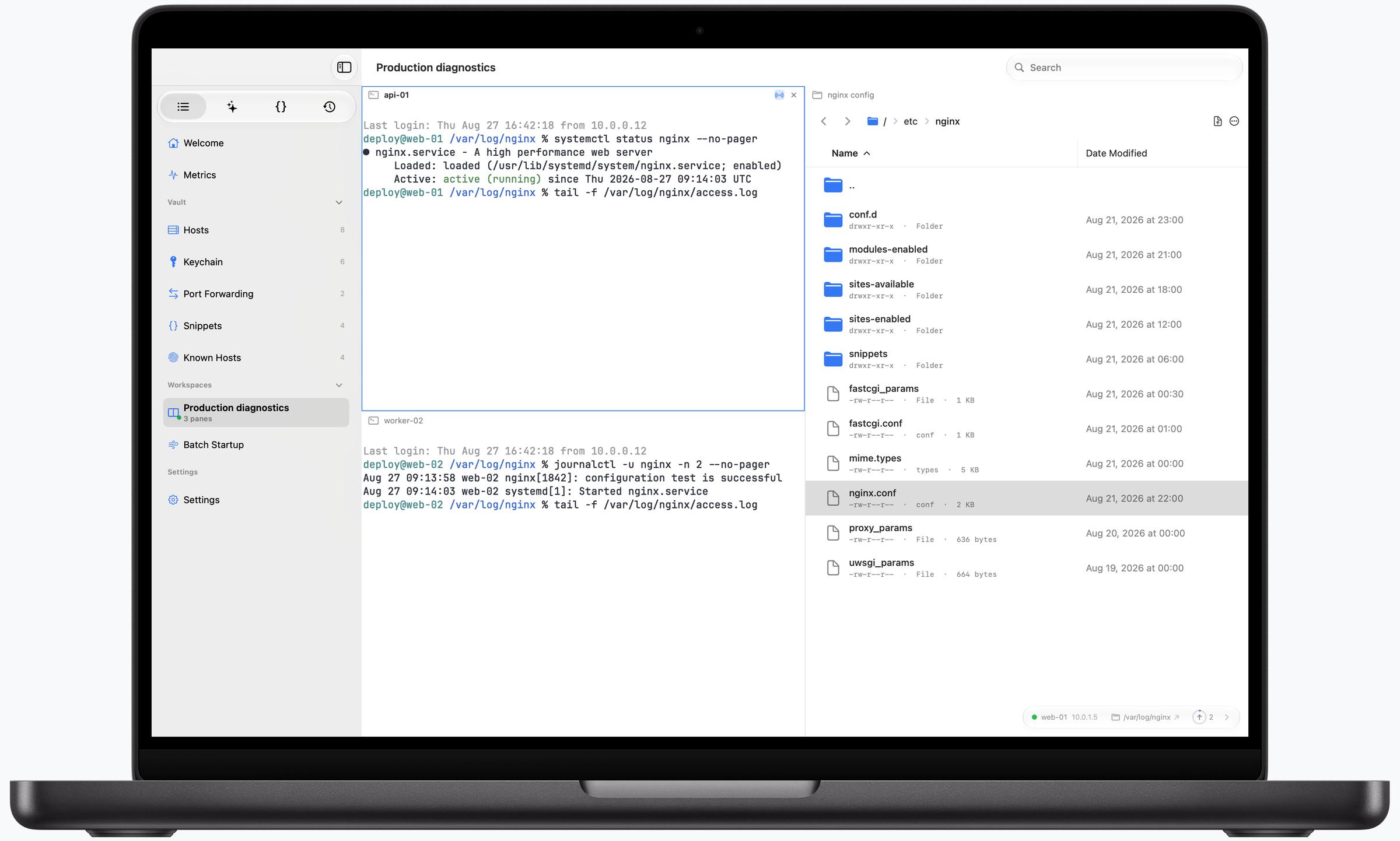
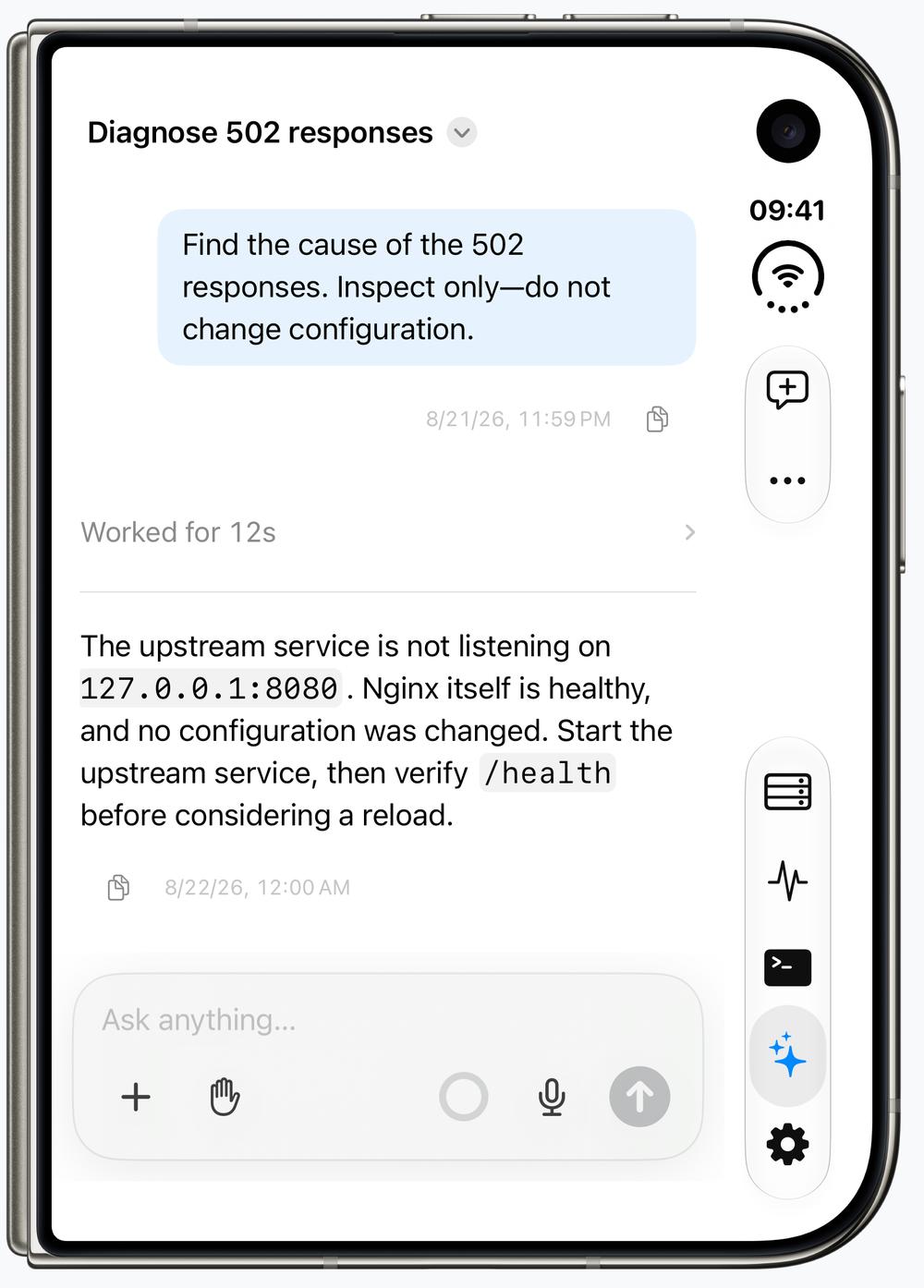
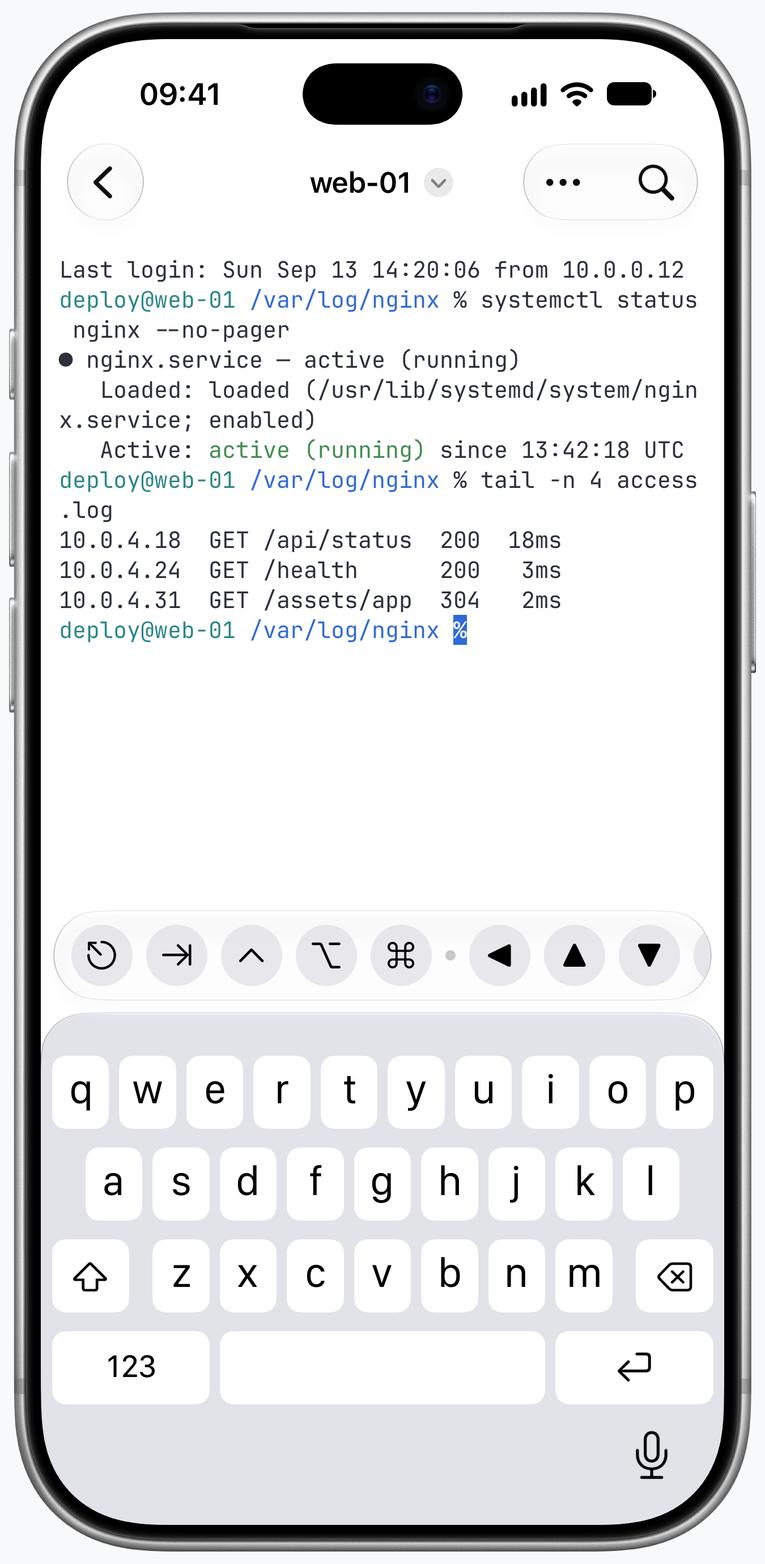
AT YOUR DESK. ON THE GO.Mac · iPhone · iPad
A terminal in reach
Full SFTP and live metrics
BUILT AROUND THE WORK
Less switching.
More doing.
01 / IPHONE · SSH
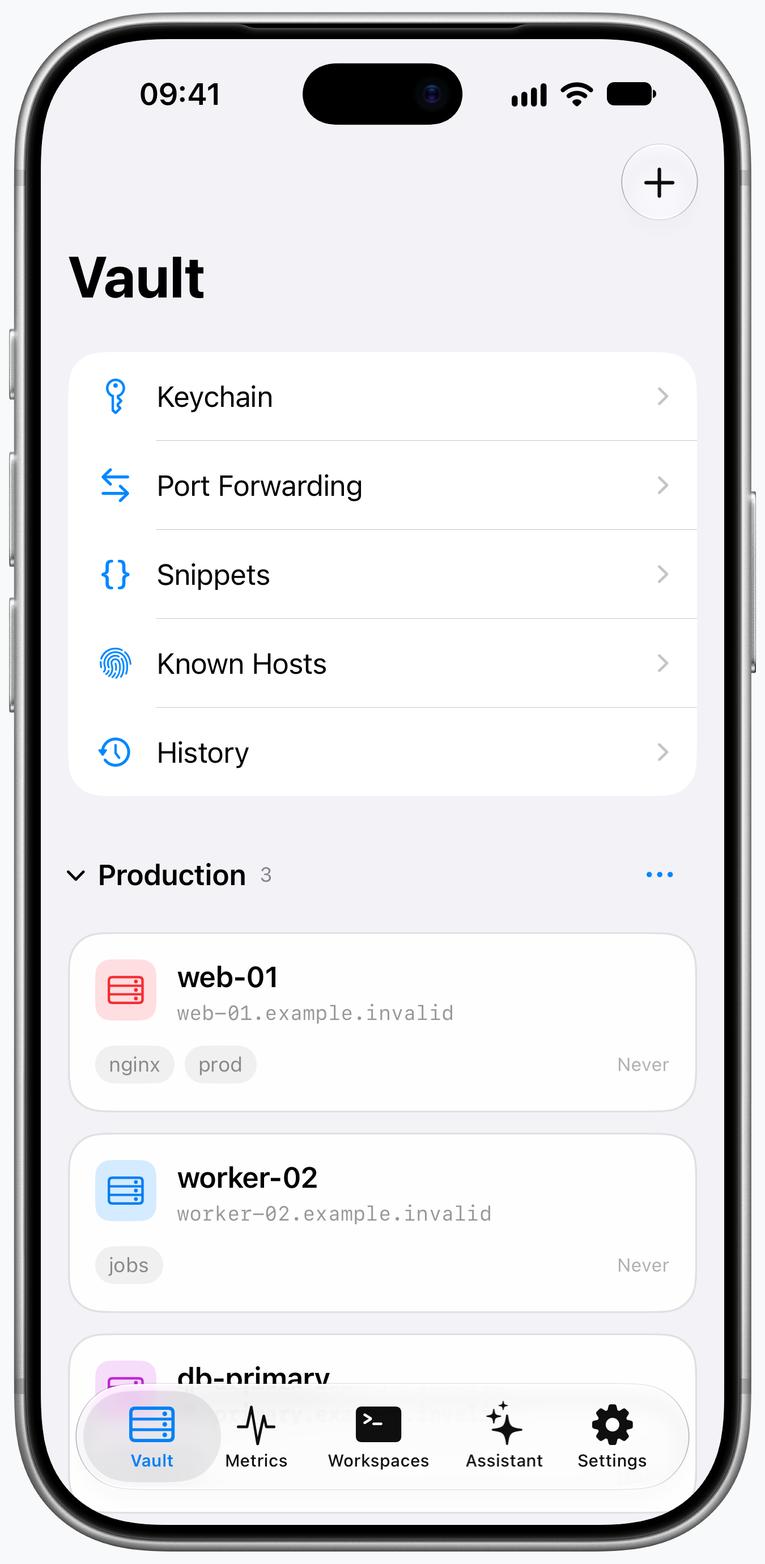
A real terminal, wherever you are.
A full terminal, made for touch. Find output, recall a snippet, and keep working wherever you are.
- Touch-first terminal controls
- Snippets and command history
- Command Generator never presses Return
MORE WAYS TO KEEP WORKING
Mosh / Eternal Terminal
Keep your terminal session through network changes and brief interruptions. Pick up where you left off instead of starting over.
Session Persistence
Keep long-running tasks alive with Herdr, tmux, Zellij, or zmx. Disconnect and return to the same remote session when you are ready to continue.
Wake-on-LAN
Wake a sleeping machine from Termind when you need it. Get back to work without reaching for its power button.
02 / IPHONE DUO · SFTP
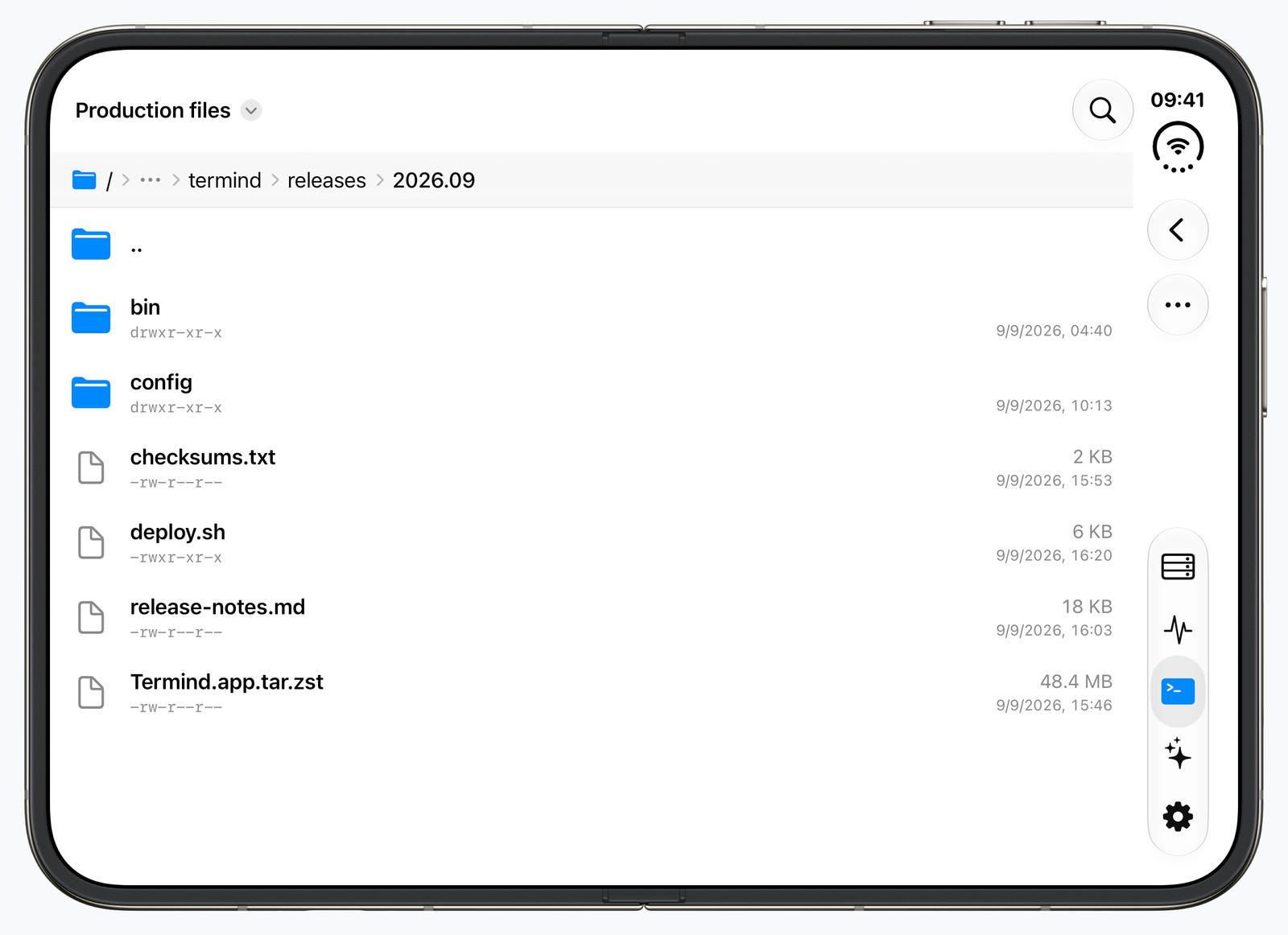
Move files. Keep your flow.
Browse, preview, drag to upload, and track concurrent transfers. Open the same live path in SSH without rebuilding context.
- A complete SFTP workflow, built for touch
- Concurrent transfers continue in the background
- Open the same live path in SSH
03 / IPAD · METRICS
Your servers, at a glance.
CPU, memory, disks, and processes in one view. Spot an issue and act over the same SSH connection.
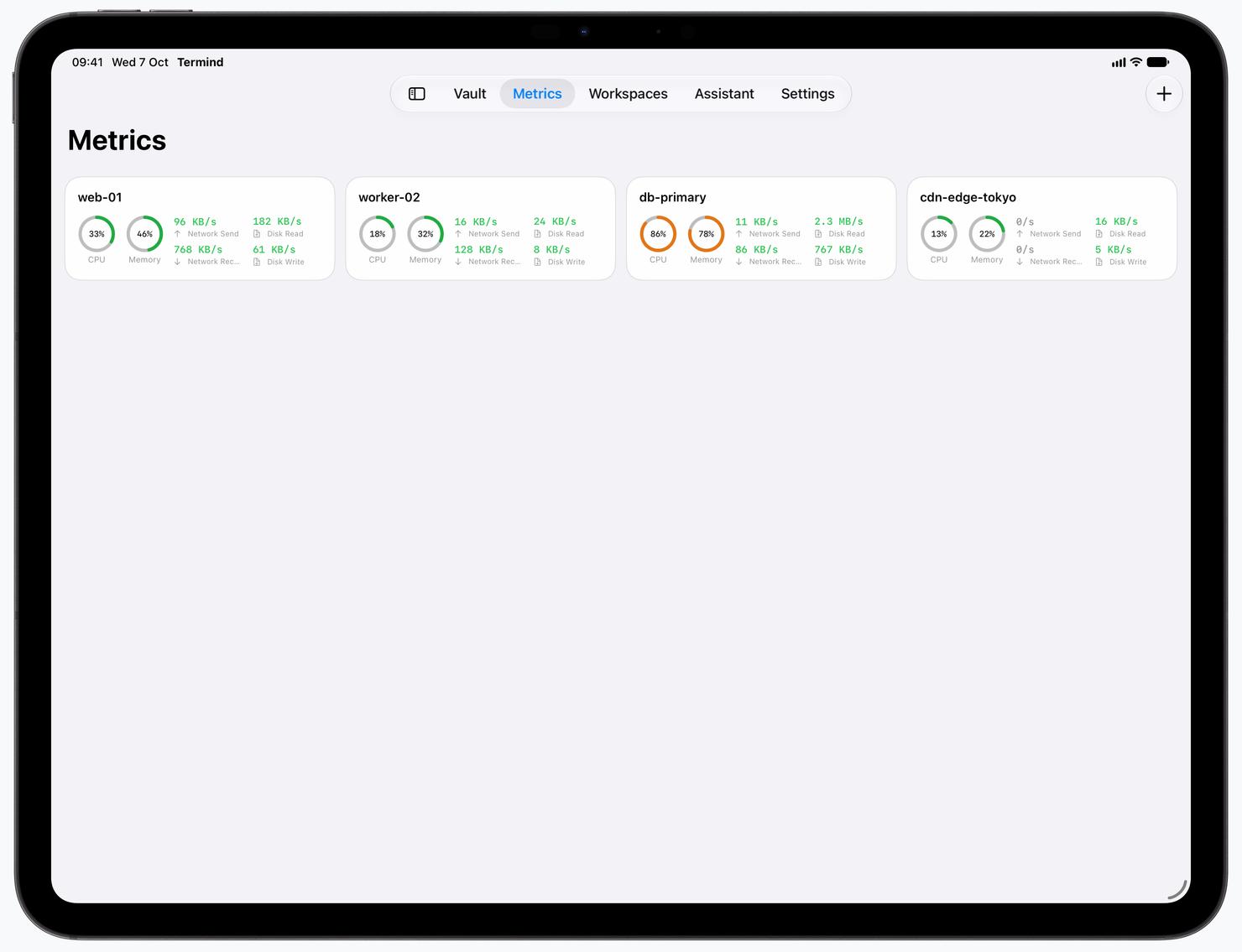
Live over your SSH connection
04 / IPHONE DUO · ASSISTANTTakes action.
Takes action.
Remembers.
Investigate issues and take action with AI. Bring your own model key. You choose what it can do.
Optional Hermes Memory remembers context between conversations. Off by default, stored on this device, and yours to review, edit, or delete.
Your model. Your permissions.Optional, device-local memory
AgentKit is the open-source agent runtime behind Termind’s AI Assistant.
05 / VAULT · ICLOUD
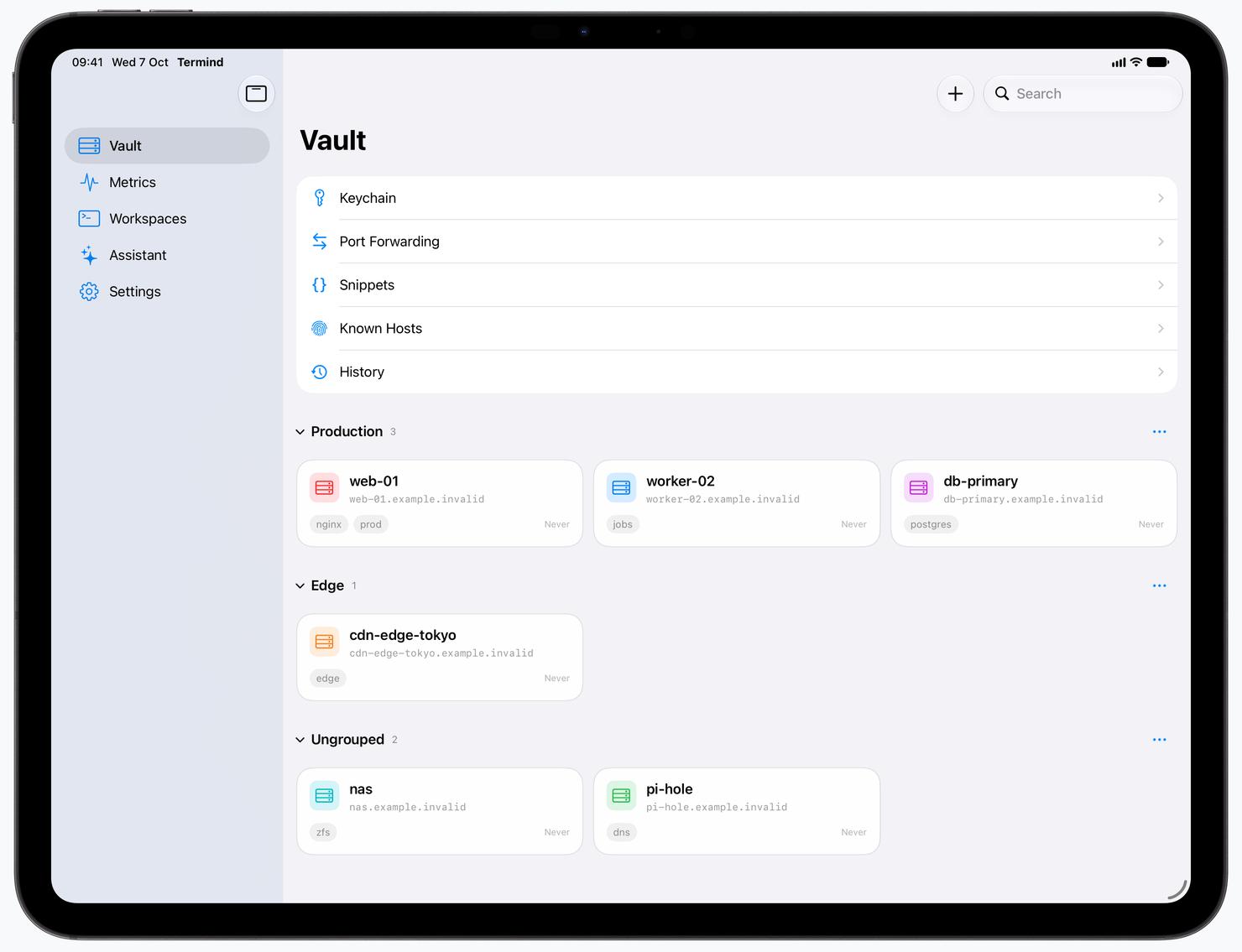
Your Vault, protected by design.
Keep hosts, snippets, Metrics, and settings—including Connections preferences—in sync through your private iCloud database, while passwords and keys stay separately protected by Keychain.
GO DEEPER ON MAC
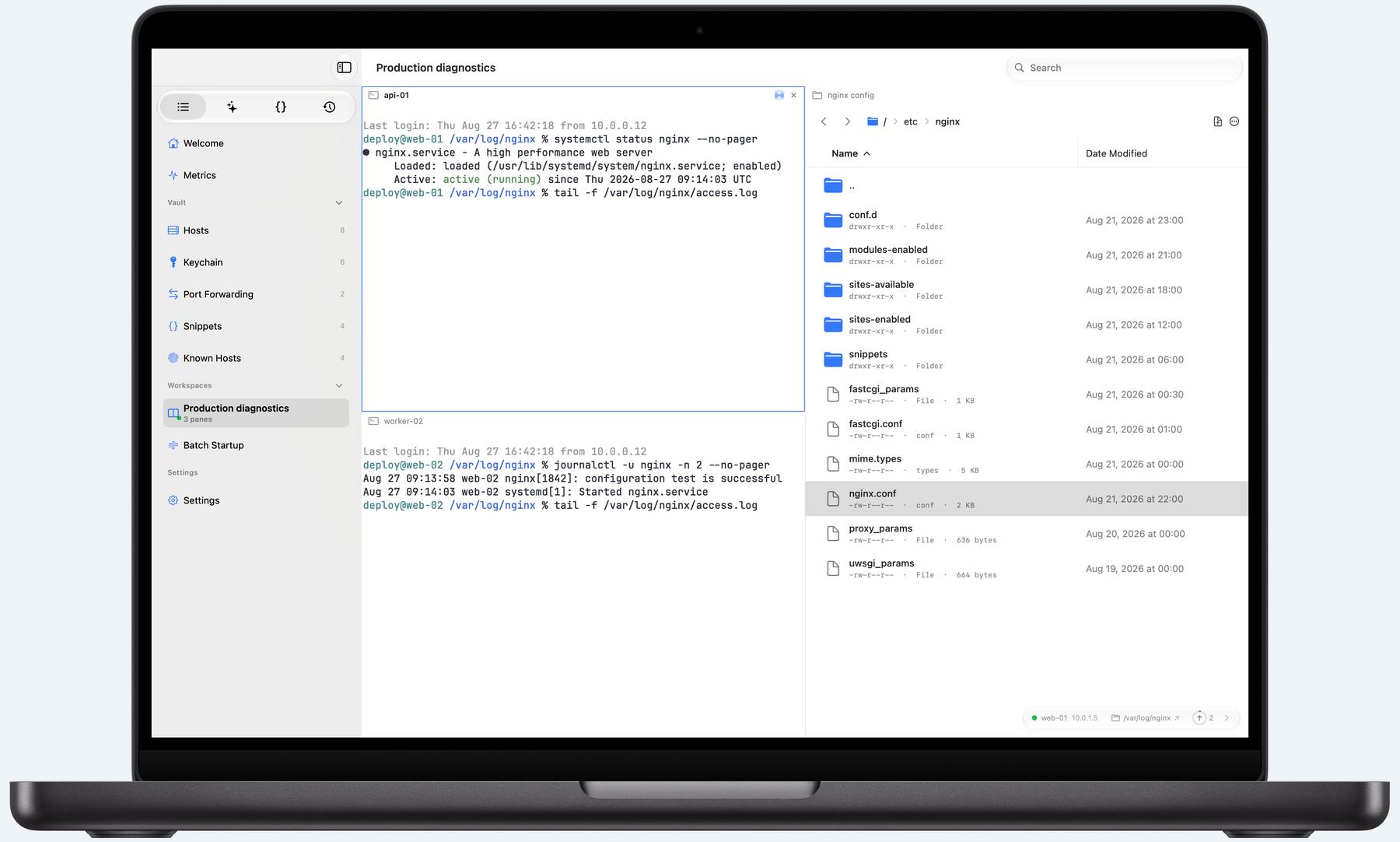
Your full control room.
Compose SSH, Telnet, SFTP, and serial sessions into multi-pane workspaces and broadcast input between terminals for free. The built-in loopback-only MCP server is free too, with audited SSH/SFTP tools for your AI clients.
MAC ONLYMulti-paneSerialBuilt-in MCP server
MAC ONLY · BUILT-IN MCP SERVER
Give local AI
secure remote tools.
Turn on Termind’s built-in MCP server and local clients can list saved hosts, execute SSH commands, and read or write through SFTP. Expose tools one by one, keep access on loopback by default, and retain an audit trail for every external call.
Loopback only by defaultPer-tool controlsCalls audited
 Codex
Codex Claude Code
 Pi
PiTERMINDMCP
list_hostsssh_exec_runsftp_readsftp_write
Codex is a product of OpenAI; Claude Code is a product of Anthropic; Pi is developed by Mario Zechner. Names and marks belong to their respective owners and are shown only to describe compatibility. Termind is not affiliated with, sponsored by, or endorsed by them.
TAILSCALE, BUILT IN
Your Tailnet.
Already in Termind.
Connect to your private servers. No separate Tailscale app or system VPN setup needed.
YOUR PRIVATE NETWORKTERMIND PRO
SSHSFTPExit Node
Termind’s built-in Tailscale support is powered by libtailscale-spm.
Tailscale is a trademark of Tailscale Inc. The name is used here only to describe compatibility. Termind is not affiliated with, sponsored by, or endorsed by Tailscale Inc.
MULTI-CONNECTION PORT FORWARDING
More connections. Less waiting.
Multiple SSH connections. 2.54× the throughput of single-connection mode in our loopback test.
2.54×THE THROUGHPUT
Termind 1.10.212 connections
3,869.7
Termind 1.10.21 connection
1,524.2
Termius 10.0.6
1,628.2
OpenSSH 10.3p1
1,585.4
TERMIND PRO
Subscribe annually—or keep it forever.
Free includes 3 hosts, SSH, SFTP, AI Assistant, MCP, server monitoring, and Wake-on-LAN. Pro adds unlimited hosts, iCloud sync, built-in Tailscale, multi-connection SFTP, and multi-connection port forwarding on Mac.
A gift for our Telegram community
Yours for free.
Termind Pro
Join the Termind Telegram channel and group, then enter our draw through the bot for a chance to win a free Pro redeem code every Thursday. Check the channel for announcements and results.
Join the Telegram channelThree steps to enter and redeem
Join the channel and group
Enter the Thursday draw
Open the draw bot, tap Start, then Enter Draw. The draw takes place every Thursday.
Win and redeem Pro
Winners receive their code in a private message from the bot. Use the App Store link provided to redeem it before it expires.
Entry does not guarantee a win; non-winners can enter the next draw. Redemption eligibility and validity are determined by Apple.
SECURITY, BY DESIGN
From your key
to every action.
See how Termind protects SSH credentials at rest and in memory, verifies server identity, and places clear boundaries around the Assistant and built-in MCP server.
Explore security design →PLAIN-LANGUAGE POLICY
Know exactly
where data goes.
Every meaningful data path is documented—from local storage and Keychain to iCloud, remote hosts, search engines, and your selected model provider.
Open privacy policy →
Ready when you are.
Your next connection starts here.